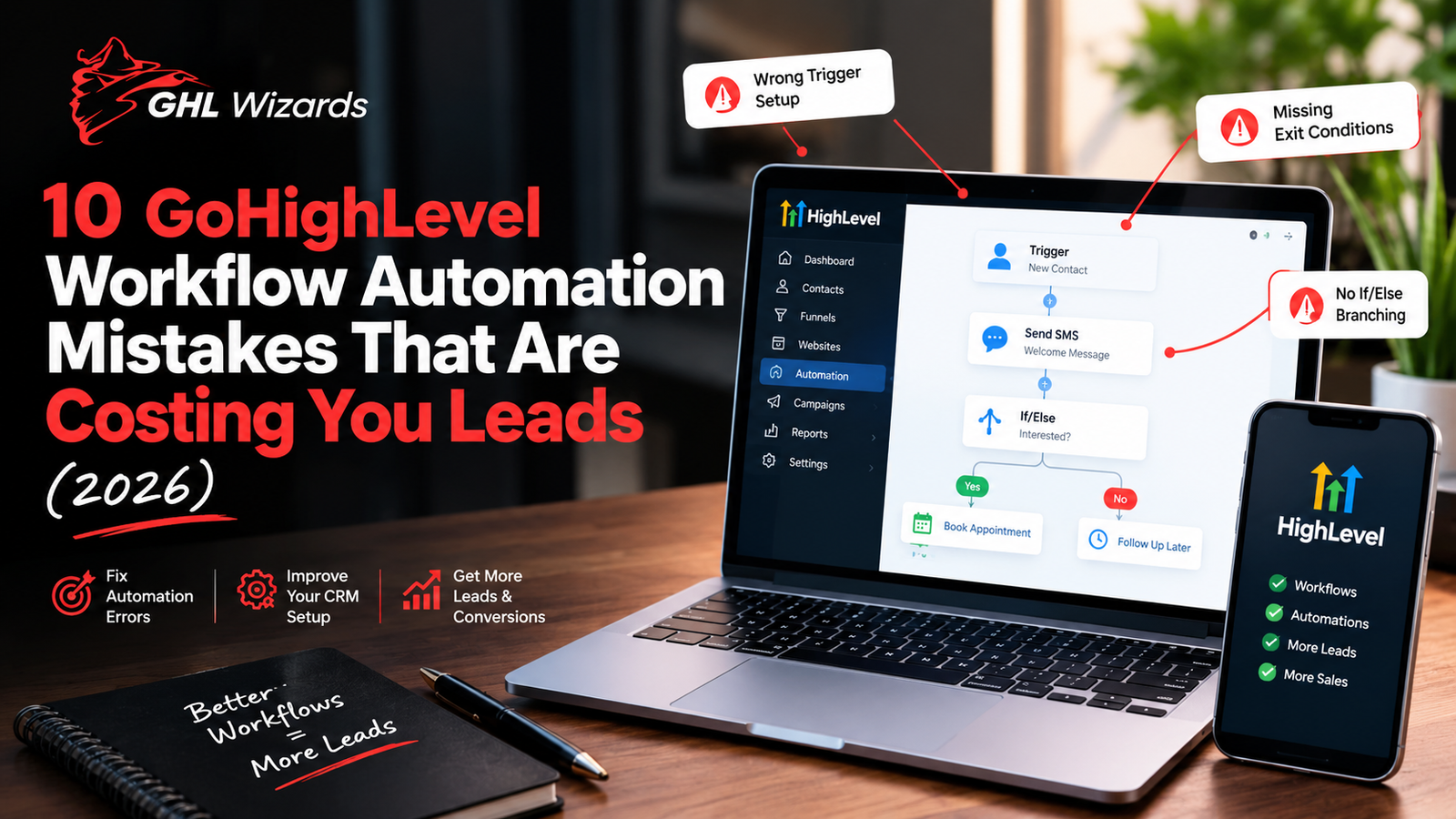
GoHighLevel’s workflow builder is one of the most powerful tools in the platform and one of the easiest to get wrong. A single misconfigured trigger, a missing “if/else” branch, or a workflow with no exit condition can quietly send bad messages to real leads, break your pipeline, or stop follow-up altogether without anyone noticing for weeks.
Below are the ten mistakes we see most often when auditing GoHighLevel accounts and exactly how to fix each one.
Table of Contents
- No Clear Trigger Logic
- Missing Exit Conditions
- Ignoring “If/Else” Branching
- Ignoring A2P 10DLC Compliance
- Overlapping or Duplicate Workflows
- No Wait Steps Between Messages
- Treating Every Lead the Same
- Never Testing Before Going Live
- No Human Hand-Off Point
- Never Auditing Old Workflows
- FAQ
- Final Thoughts
1. No Clear Trigger Logic
The single most common issue we see: workflows triggered by something too broad, like “contact created,” with no filters attached. This means every contact — including duplicates, internal test entries, and unqualified leads — enters the same sequence, regardless of source or intent.
Fix: Pair every trigger with specific filters (tag, source, pipeline stage, custom field) so only the right contacts enter the workflow. A lead from a paid ad and a lead from a referral almost never deserve the same follow-up sequence.
2. Missing Exit Conditions
Workflows without exit conditions keep running even after a lead has already booked a call, replied, or converted — leading to the classic (and damaging) scenario where a customer who just paid receives three more “book a call” texts.
Fix: Add exit conditions based on tags, pipeline stage changes, or specific events (appointment booked, deal won) so contacts are automatically removed the moment their status changes.
3. Ignoring “If/Else” Branching
Many accounts build linear workflows message, wait, message, wait with no logic branching based on how (or whether) the lead responds. This treats a lead who replied “yes, call me” exactly the same as one who never opened the message.
Fix: Use if/else branches after every key touchpoint to split the path based on replies, link clicks, or call outcomes. This is what turns a generic drip sequence into an actual conversation.
4. Ignoring A2P 10DLC Compliance
SMS workflows built on a number that isn’t properly registered under A2P 10DLC risk delayed delivery, poor deliverability, or outright message blocking by carriers — which silently kills your entire follow-up sequence without any error showing in GoHighLevel itself.
Fix: Confirm your A2P 10DLC registration and brand/campaign approval are current before relying on SMS as a core channel. If you’re unsure of your current status, this is worth checking immediately see our A2P 10DLC compliance services.
5. Overlapping or Duplicate Workflows
It’s common for accounts built over time (especially by multiple team members) to end up with two or three workflows that all trigger off similar events — resulting in leads receiving duplicate or conflicting messages within minutes of each other.
Fix: Map every active workflow’s trigger and audience filter in one document, and look for overlap. Consolidate anything doing the same job, and make sure only one workflow “owns” a given trigger event.
6. No Wait Steps Between Messages
Some workflows fire multiple actions back-to-back with no delay sending an SMS, an email, and a task creation within the same second. This looks robotic to the lead and can trip spam filters on the email side. Fix: Add deliberate wait steps between actions (minutes for SMS, longer for email sequences) so follow-up feels paced and human, not like an automated blast.
7. Treating Every Lead the Same
Sending every inbound lead through one generic sequence regardless of source, intent, or service interest is one of the biggest drivers of low conversion rates in GoHighLevel accounts we audit.
Fix: Segment workflows by lead source, service interest, or lead score, and route high-intent leads into a faster, more direct sequence while lower-intent leads go through longer nurture. Related reading: our full breakdown of building a speed-to-lead system.
8. Never Testing Before Going Live
Publishing a new workflow directly to live leads without testing it on a dummy contact first is how “typo in the SMS,” “wrong calendar link,” and “workflow triggers twice” bugs make it to real customers.
Fix: Always run a test contact through the entire workflow every branch before turning it on for real leads. Check message content, links, timing, and exit conditions each time.
9. No Human Hand-Off Point
Fully automated sequences that never flag a human for follow-up can leave hot, ready-to-buy leads sitting in an automated queue when what they actually need is a phone call.
Fix: Build in a trigger a reply containing certain keywords, a high lead score, or a specific link click that automatically creates a task or notification for a live team member to step in.
10. Never Auditing Old Workflows
Workflows built a year ago often reference outdated pricing, old calendar links, discontinued offers, or team members who no longer work there and because they run silently in the background, nobody notices until a lead mentions it.
Fix: Schedule a quarterly workflow audit. Review every active automation for outdated content, broken links, and whether it’s still aligned with your current offer and pricing.
Why These Mistakes Are So Easy to Miss
Workflows don’t fail loudly. There’s no error message when a lead gets the wrong sequence, when an exit condition is missing, or when SMS deliverability quietly drops because of a compliance issue. The workflow just keeps running — and the business only finds out when someone notices conversion rates slipping, or worse, when a customer complains about getting a message that made no sense.
This is exactly why a periodic, structured audit matters more than a one-time setup. GoHighLevel is powerful enough to run your entire lead lifecycle — but only if the logic behind it is actually sound.
FAQ
How often should I audit my GoHighLevel workflows?
At minimum, quarterly. If you’re running high lead volume or frequently changing offers, a monthly review catches issues faster.
What’s the fastest way to find broken workflows?
Start with your highest-volume triggers first (new lead, form submission, missed call) since those affect the most contacts, then work outward to lower-volume automations.
Can bad workflows actually hurt SMS deliverability long-term?
Yes. High opt-out rates, spam complaints, and non-compliant messaging can affect your number’s sender reputation with carriers, making future messages more likely to be filtered which is why A2P 10DLC compliance and message pacing both matter.
Should I rebuild my workflows from scratch or fix what’s there?
It depends on how tangled the current setup is. If overlapping workflows and unclear ownership are the core problem, a clean rebuild is often faster and more reliable than patching years of accumulated fixes.
Do I need a developer to fix GoHighLevel workflows?
No GoHighLevel’s workflow builder is no-code, but getting the logic right (branching, filters, exit conditions) takes CRM automation experience more than technical skill.
Final Thoughts
Most GoHighLevel accounts aren’t underpowered they’re under-maintained. The platform can absolutely run a full speed-to-lead, follow-up, and booking system on autopilot, but only if the workflows behind it are built with clear logic, proper segmentation, and regular audits. If you’re not sure what’s actually happening inside your workflows right now or suspect leads are falling through gaps you haven’t found yet a full audit is the fastest way to know for certain.
GHL Wizards audits, rebuilds, and manages GoHighLevel automation for businesses and agencies across the U.S.
Book a free 30-minute consultation and we’ll review your current workflows and show you exactly what’s costing you leads.